|
|
New this month |
|
Fine-Grained Authorization, API support for Roles and Permissions, Custom Attributes in AuthKit, & more |
|
|
|
Fine-Grained Authorization |
|
|
|
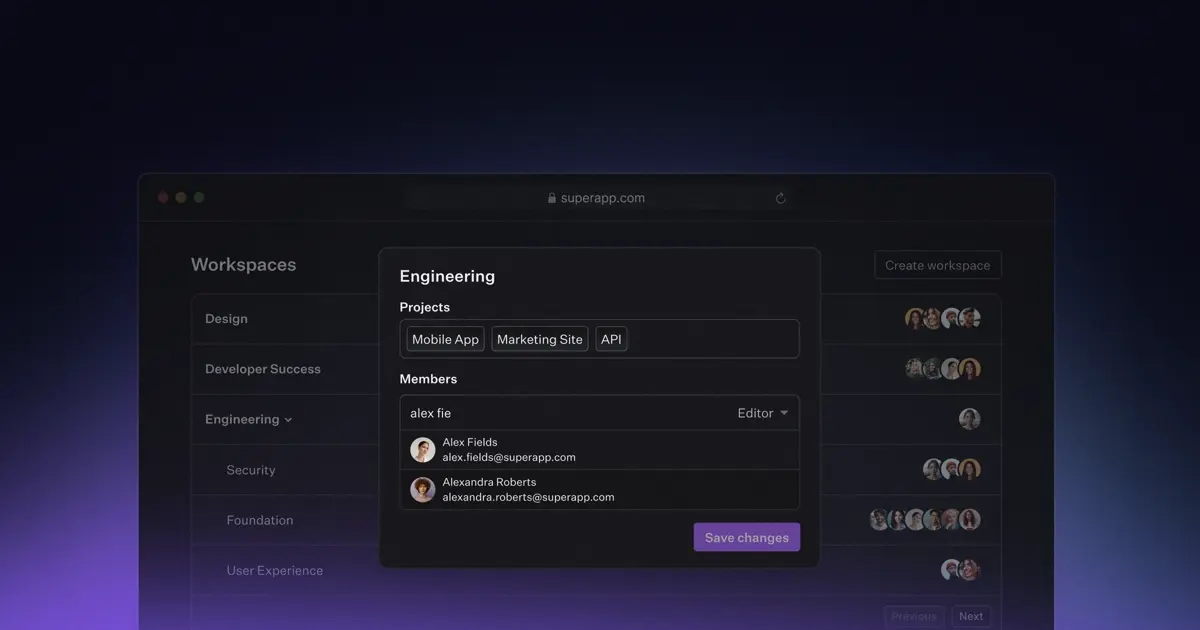
WorkOS now supports Fine-Grained Authorization (FGA), extending our existing RBAC offering so you can define both roles and permissions scoped to the resources in your application. FGA makes it easy to model real-world authorization, including hierarchical and relationship-based structures like orgs, workspaces, and projects, with access that can be inherited naturally. It extends the same RBAC-style developer experience to fine-grained use cases, so you can model complex hierarchies and scope roles and permissions within each resource without building and maintaining a custom system. FGA integrates seamlessly with the rest of WorkOS, so you can add fine-grained authorization while continuing to rely on RBAC, SSO, and Directory Sync, without re-architecting your identity and access stack. Read more about why agents need authorization, not just authentication, and watch a short demo. |
|
|
|
|
|
Roles and Permissions API |
|
|
|
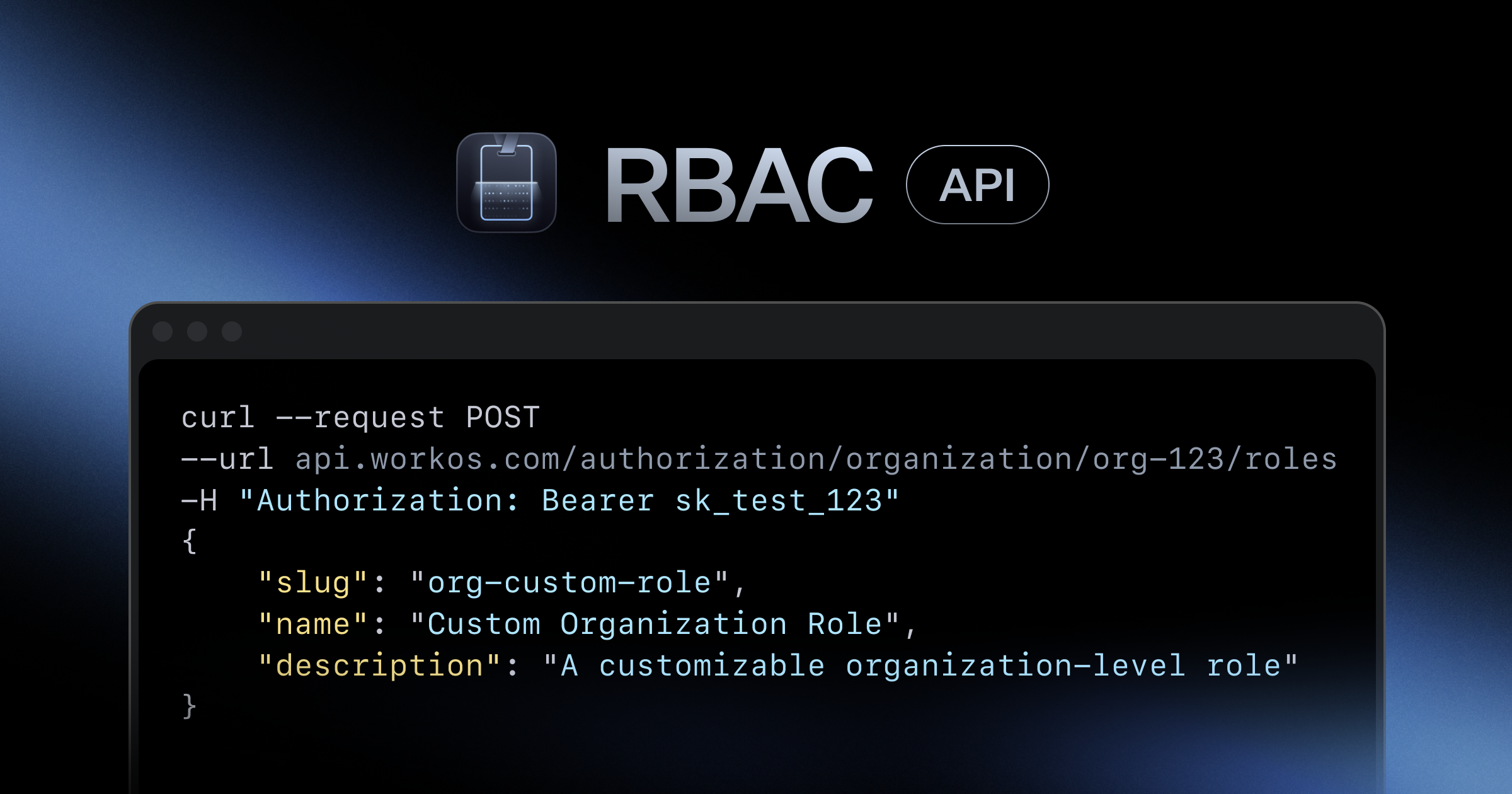
Developers can now manage their roles and permissions through the new Authorization API. You can programmatically create and manage environment and organization roles along with their permissions. We've also added lifecycle events for organization roles and permissions to keep your systems in sync. |
|
|
|
|
|
Custom Attributes in AuthKit |
|
|
|
Custom attributes sourced from identity providers are now available in AuthKit. They provide the ability to get more information about users from identity providers and can be populated from SSO connections or user directories. You can access custom attributes in JWTs with JWT templates or fetch them directly with the organization membership API. |
|
|
|
|
|
Dashboard Search |
|
|
|
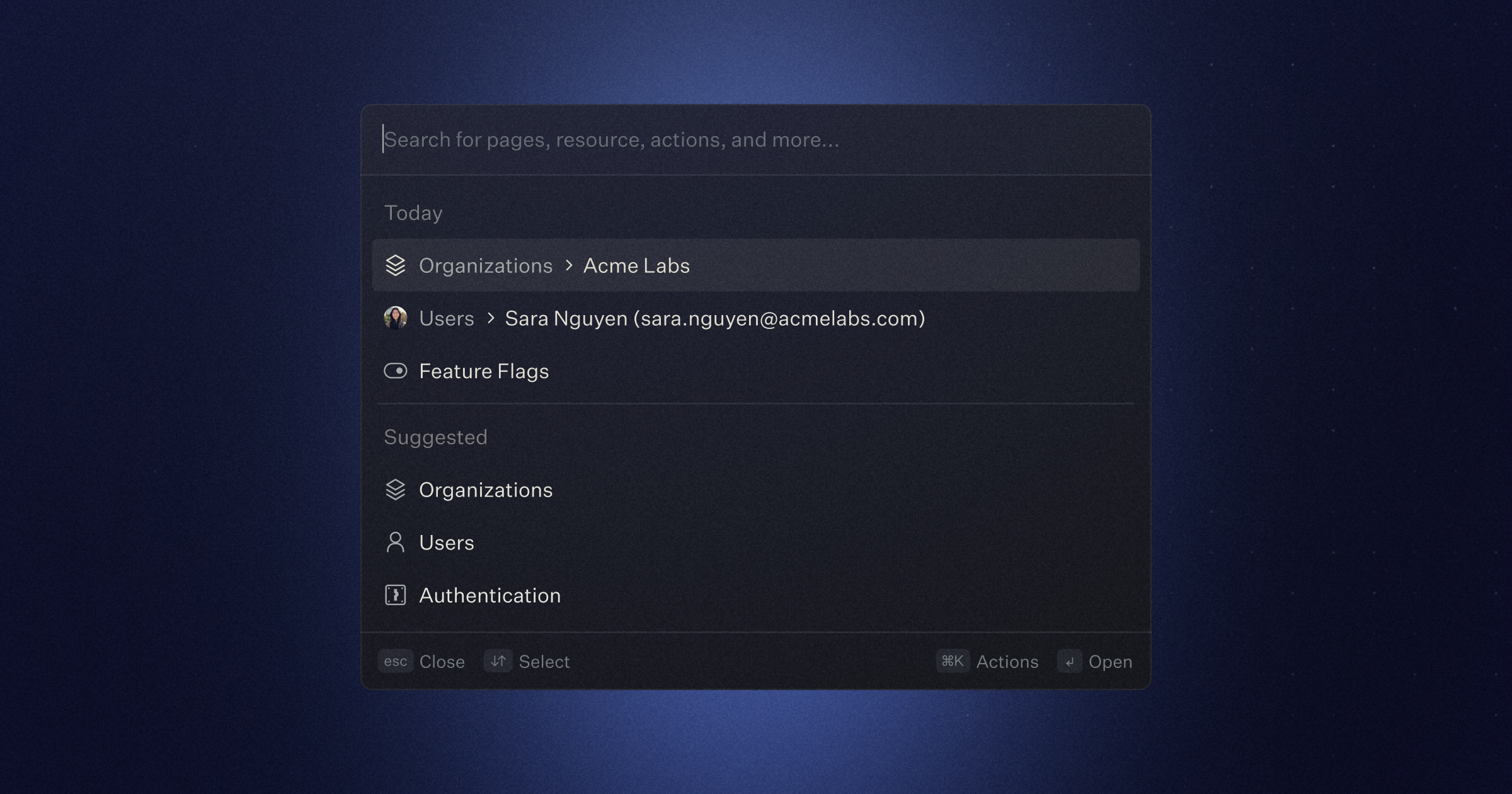
Search and navigate the WorkOS dashboard with the new command palette. Jump to pages, search for resources, and trigger actions, all from one centralized place. Simply press ⌘K (ctrl-K on Windows) to get started. |
|
|
|
|
|
SSO Sessions Lifecycle Improvements |
|
|
|
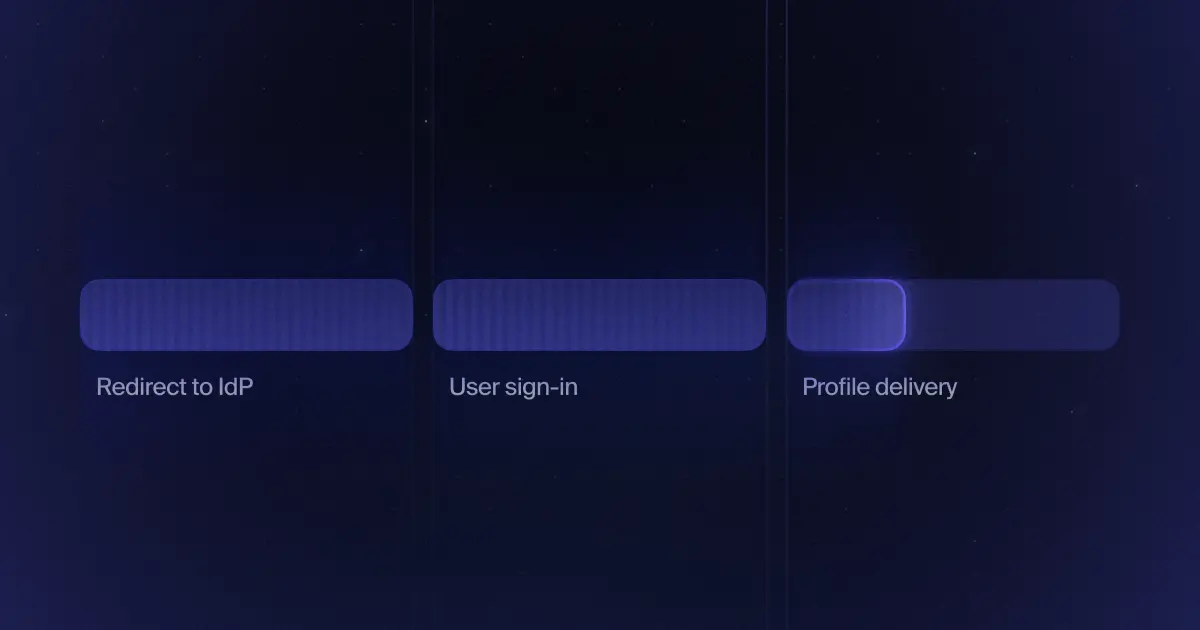
The SSO session lifecycle has been improved with a new Timed-out state and additional events to better monitor sessions. SSO sessions now expire after 5 minutes if not completed. The SSO Sessions dashboard has been improved to provide a clearer debugging and monitoring experience. To complement these changes, two new events: authentication.sso_started and authentication.sso_timedout allow for more granular SSO session monitoring. |
|
|
|
|
|
More featured content |
|
|
|
|
|
If you have any feedback or feature suggestions, simply reply to this email. |
|
|
|
|